My side project
Vardek
A local, Mac-native widget dashboard for the Corsair Xeneon Edge™ touchscreen (a 2560×720 USB-C secondary panel) — and it also runs standalone on any Mac, no Edge panel required.
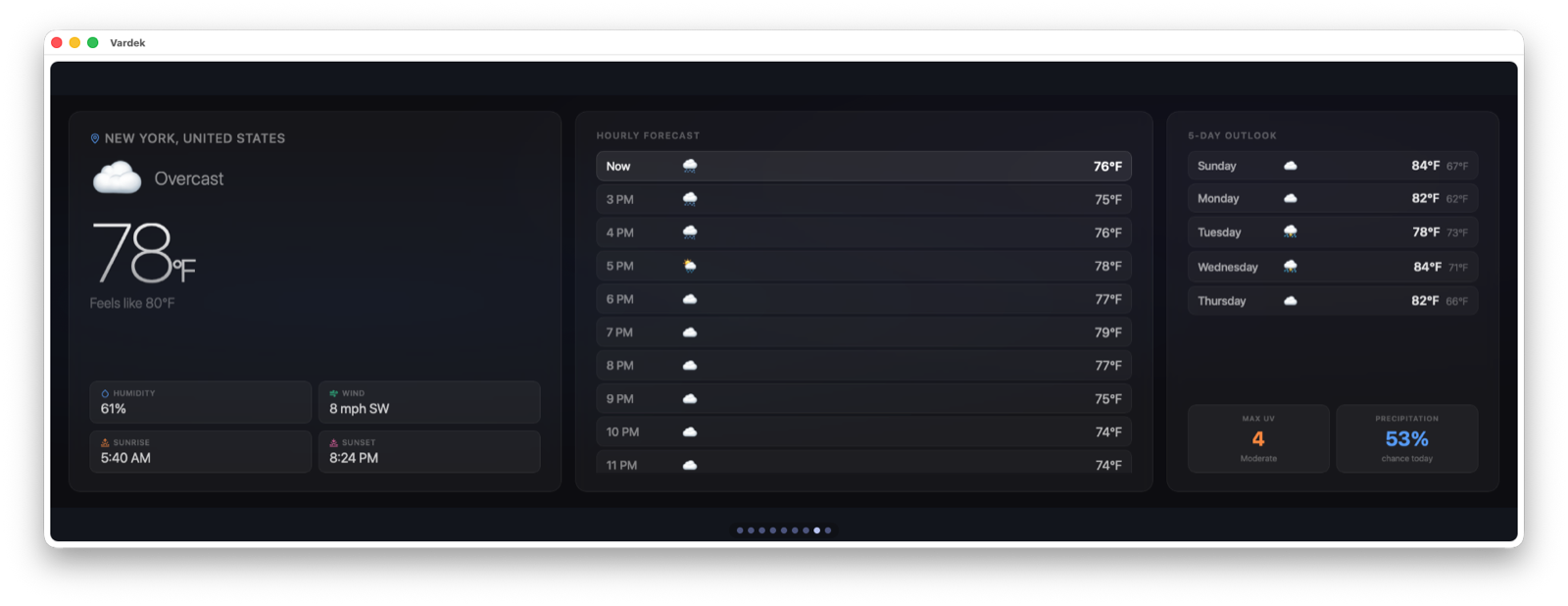
What it is
The Xeneon Edge™ ships with a widget dashboard that only runs inside Corsair iCUE on Windows. On macOS the panel works as an ordinary second display, but the widget layer — clocks, sensors, live data tiles — simply isn’t there. Vardek rebuilds that layer natively for the Mac: a full-screen, touch-driven grid of widgets that fills the strip and runs entirely on your machine. No Xeneon Edge™? Vardek runs the same dashboard in a resizable window on whatever display you have.
How it works
A small Swift daemon (edge-daemon) serves a web dashboard and a live data feed over 127.0.0.1:8137 — never off-box. A native WKWebView shell (edge-shell) displays that dashboard fullscreen on the Edge panel — a standard Mac window underneath: the green traffic-light button exits fullscreen to a movable, resizable window and re-enters it. A regular Mac menu bar comes with it: ⌘, opens Settings (the Admin panel in-app), ⌘? opens Help — a searchable local knowledge base built from the project’s docs — and ⌘R reloads the dashboard. Widgets are plain web folders (manifest.json + index.html), laid out on an 8×2 grid, arranged into carousel pages that auto-rotate.
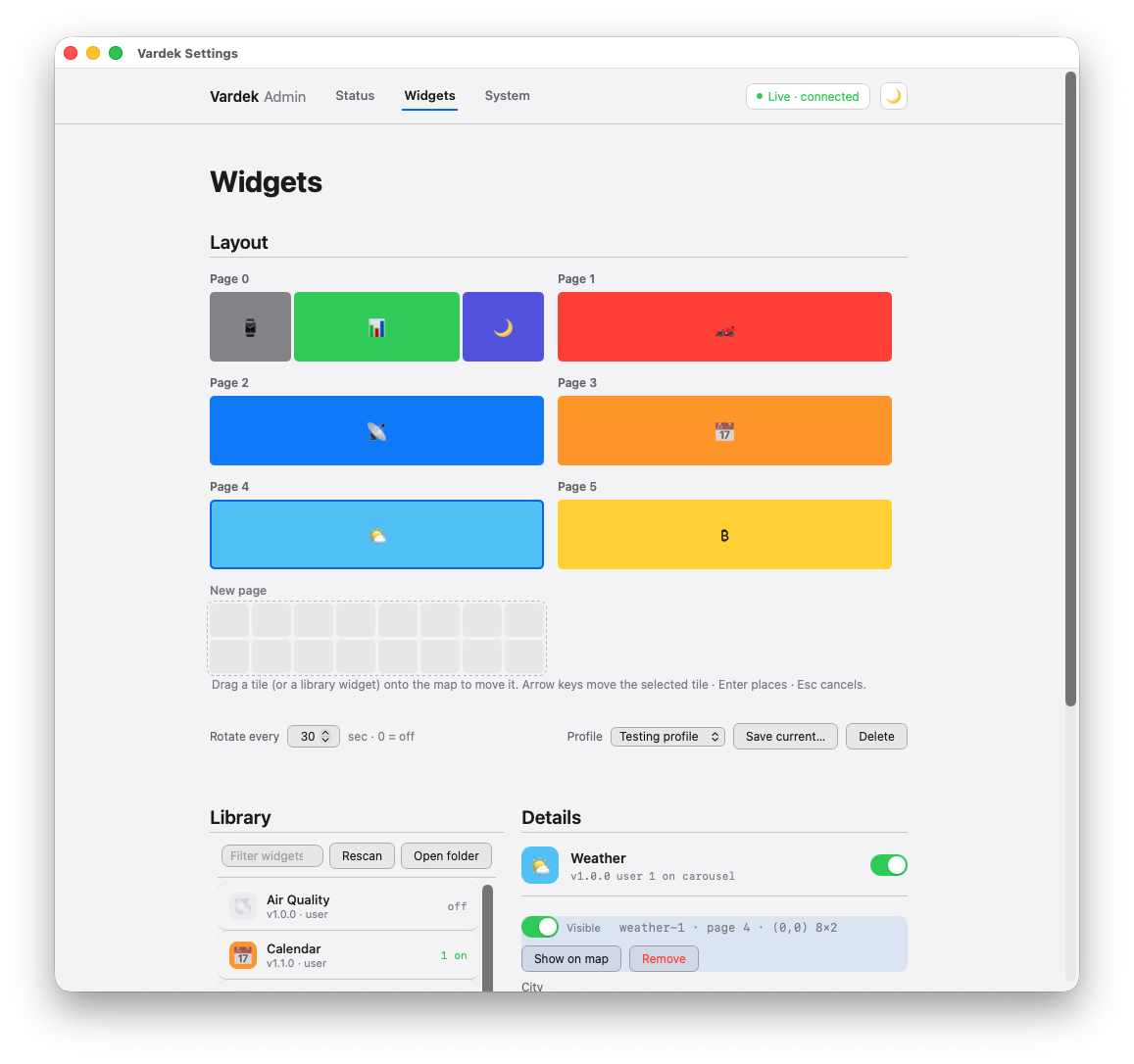
Admin panel
Everything — widget placement, sensors, brightness, layout profiles — is managed from a browser Admin page, no config files to hand-edit.
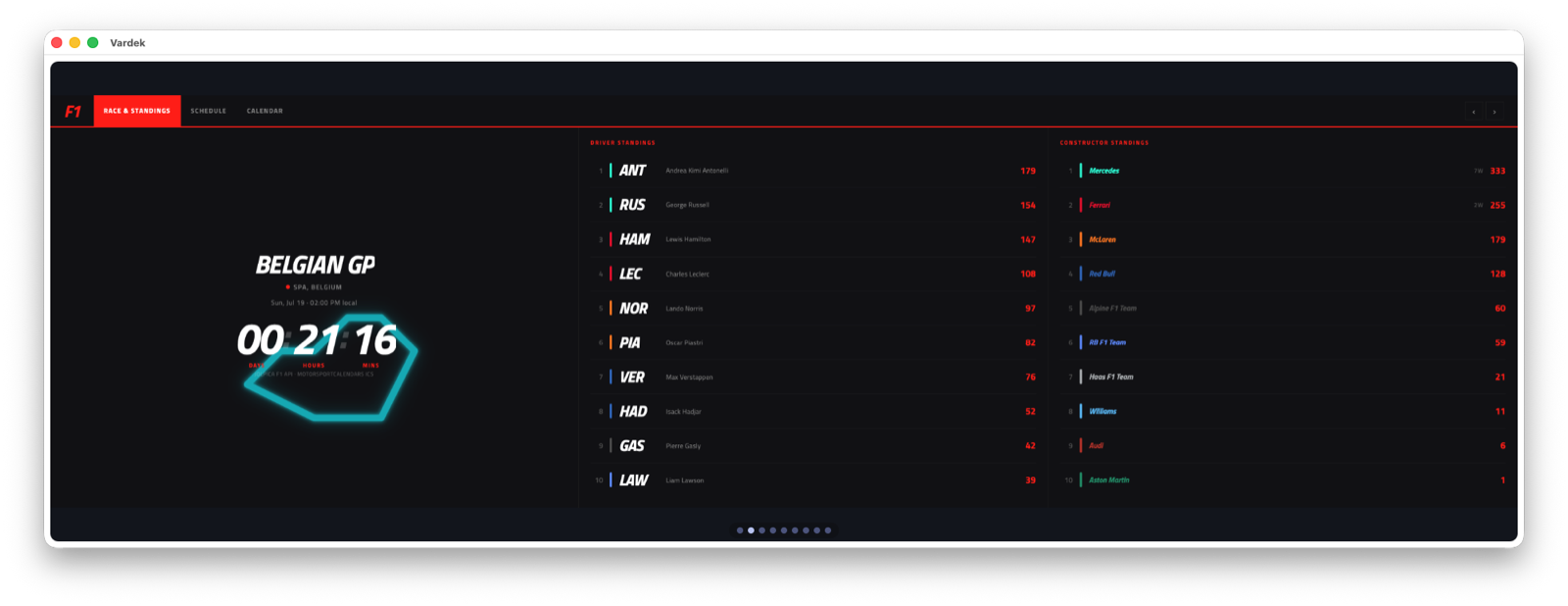
Add-on widgets
Six widgets ship bundled (Clock, Calendar, System Sensors, Sensor Gauge, Macro Pad, Weather), and a growing catalog of add-ons — F1 Schedule, UniFi Network, Nixie Clock, London Tube, Space Launch, ISS Tracker, and more — lives in an open repo. Drop a folder in, rescan in Admin, no reinstall.
Design goals
Local-only (the daemon binds loopback and nothing leaves your Mac except the specific API calls a data widget makes), Mac-native shell, and compatibility with the iCUE index.html + manifest.json widget format so community and Corsair-marketplace widgets can be imported.
Status
Released — version 1.0.15 as of August 2026. Free, no account or subscription, shipped as a signed and notarized DMG via GitHub Releases. Requires macOS 13 or later.